Install EmailShot for Your Entire Google Workspace Domain
Updated on
As a Google Workspace administrator, you can push EmailShot to every user in your domain (or a specific subset) in one go — no individual installs required.
Alternative: If you prefer users to install it themselves, you can allowlist EmailShot instead. Domain-wide install is the recommended approach.
Prerequisite: administrative access to your Google Workspace domain.
Steps to Install Domain-Wide
- Log in to the Google Workspace Admin Console: Navigate to the Google Workspace Admin Console and sign in with your administrative credentials.
- Navigate to the add-on page: Visit the EmailShot add-on page and click on "Admin Install".
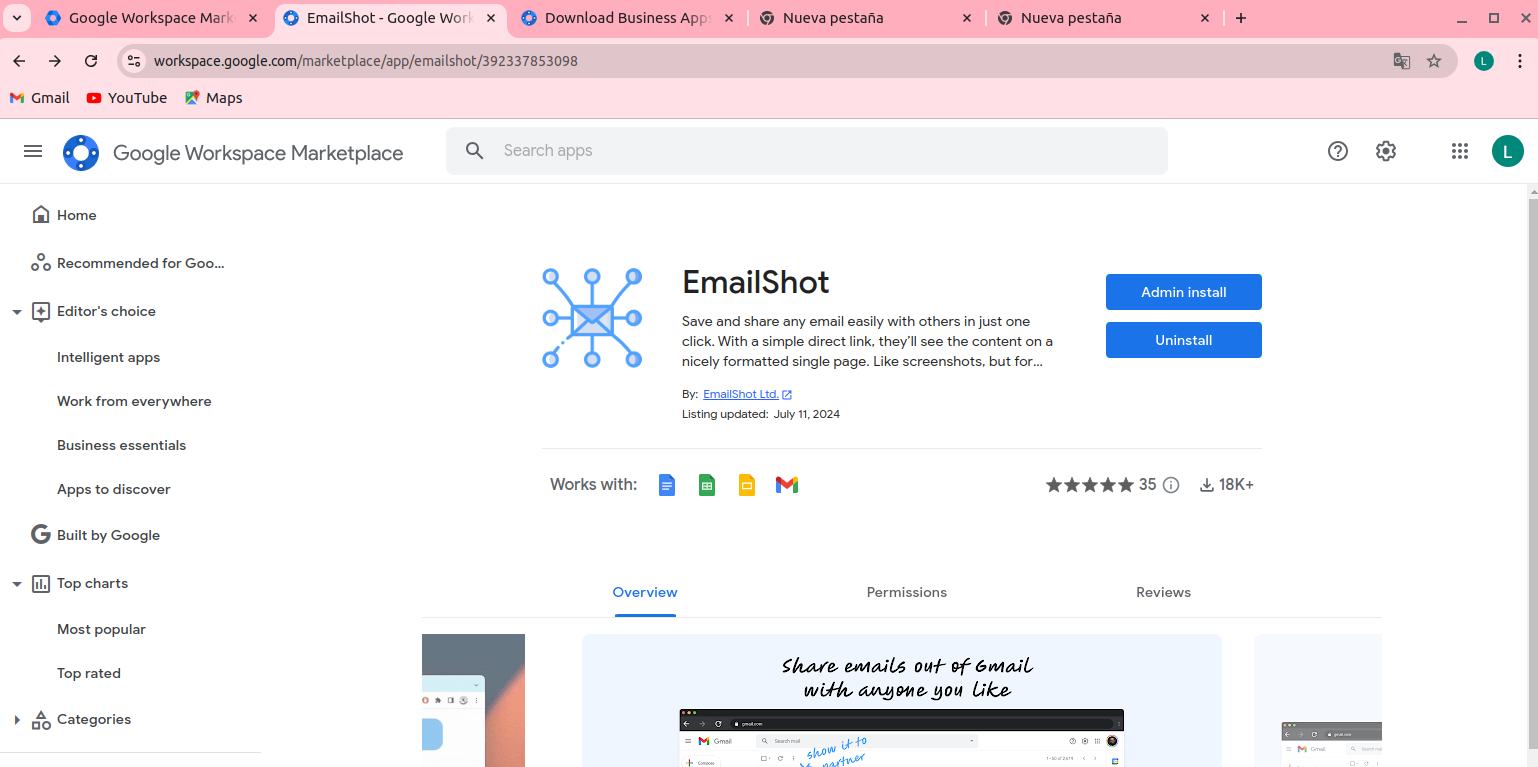
- Click "Continue" on the dialog that appears: this confirms you are performing an admin-wide install. Note: It may take up to 24 hours for the add-on to appear for all users in your domain.
- Allow data access: this screen lists the OAuth scopes the add-on requests. For full transparency, EmailShot documents every scope and its purpose. You can also choose here whether to install for everyone or limit it to specific groups or organizational units.
- Agree to the terms of service by checking the box and click "Finish".
Once complete, EmailShot will be available to your users without any individual installation steps.
References:
Other KB articles